
Simplify Your Business in Seconds!


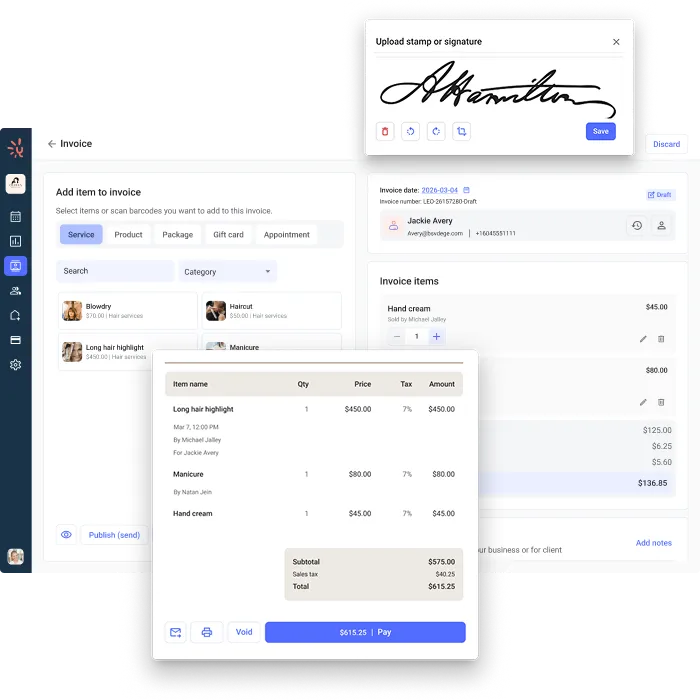
Send professional invoices from anywhere, accept every payment type, and track everything in one place. Built right into Yocale.

faster payment
faster payments when you automate invoicing

faster when clients pay with a Pay Now link

faster when clients can pay online

easy payment
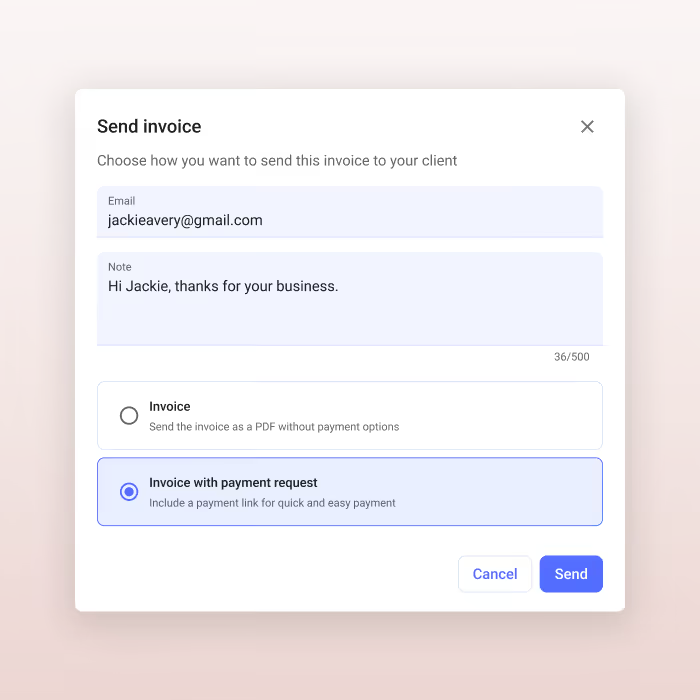
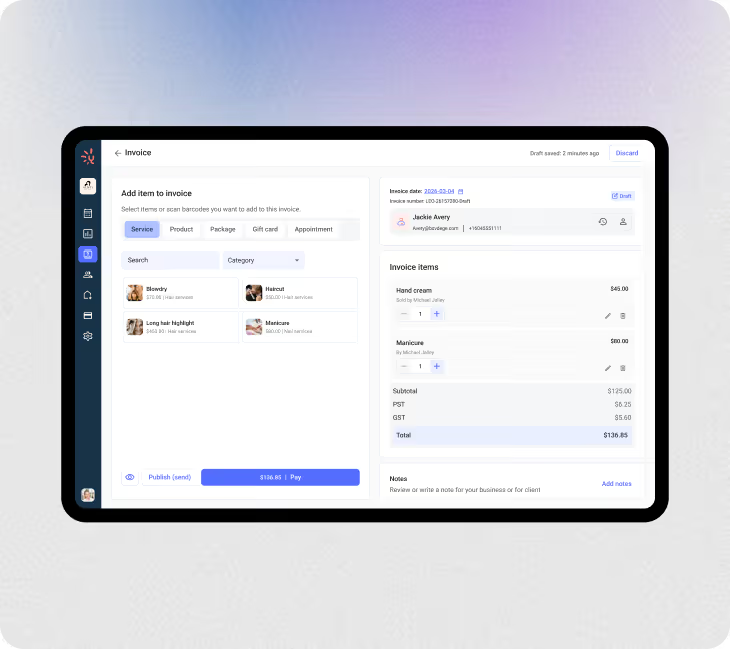
Auto-generate invoices the moment an appointment ends. Send a Pay Now link before your client walks out.
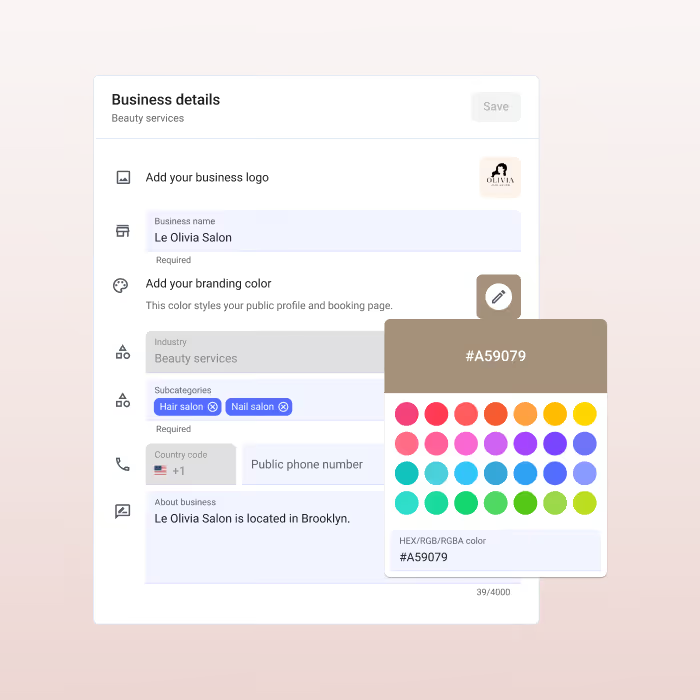
Branded invoices with your logo, colors, and business details. Generated automatically, every time.
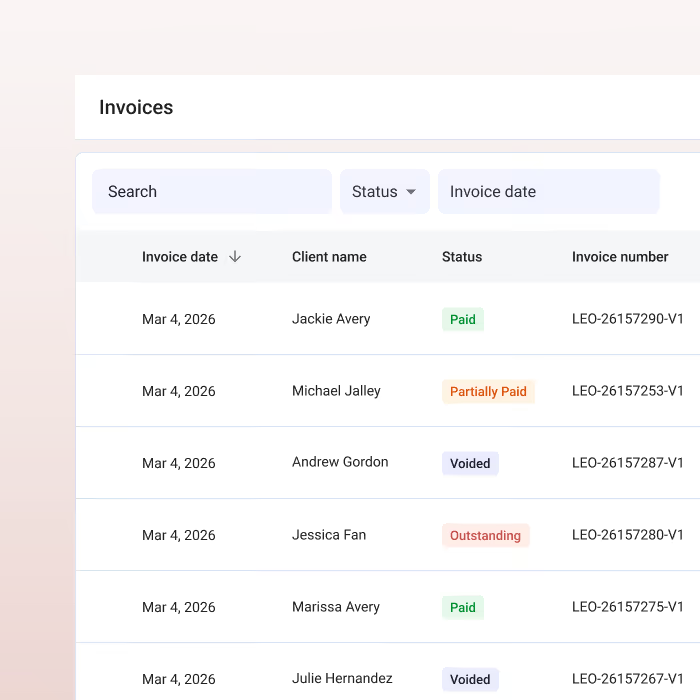
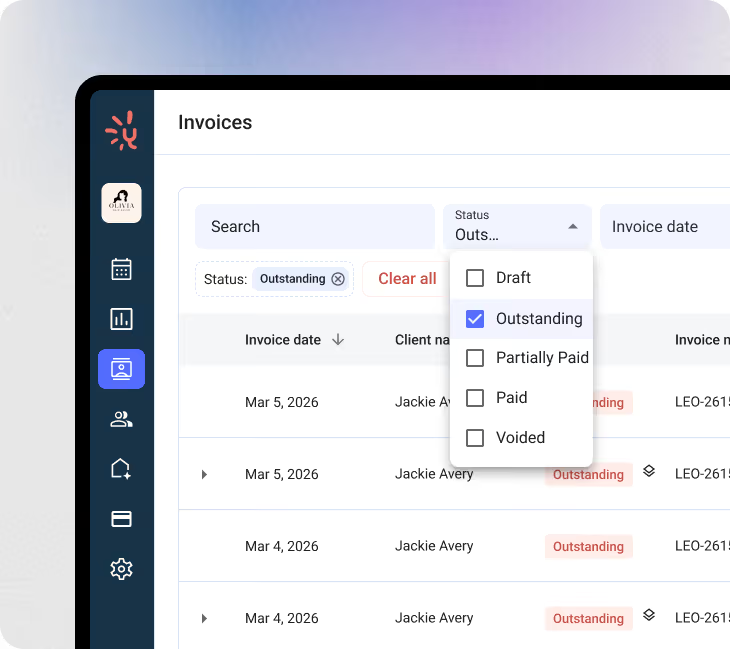
See paid, unpaid, and overdue invoices in real time. No spreadsheets, no forgotten balances.
seamless payment
From an appointment, a product sale, or nothing at all. Check out a service, add a product, or open a standalone invoice with no booking required.
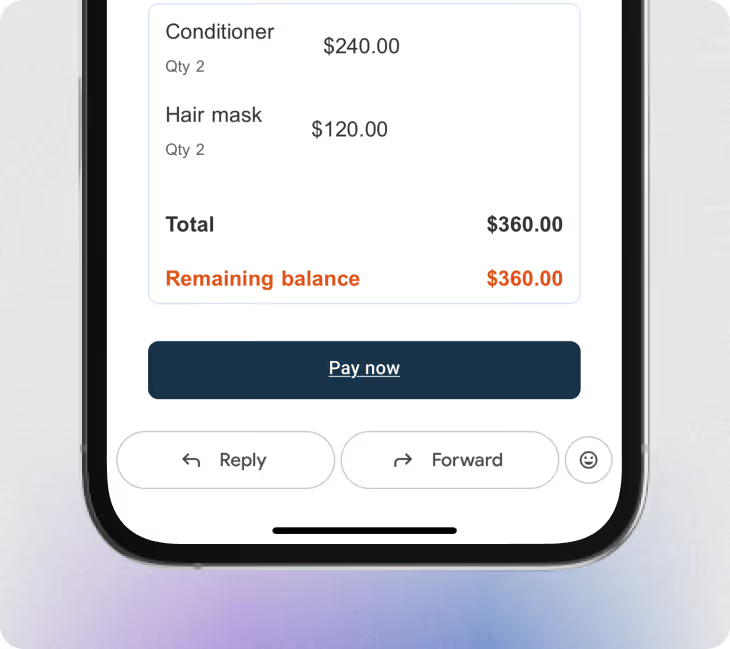
Email or text a unique Pay Now link. Clients pay instantly from their phone with the method that works for them.
Send or print a receipt as you collect payment. Clients get a record and you stay organized.
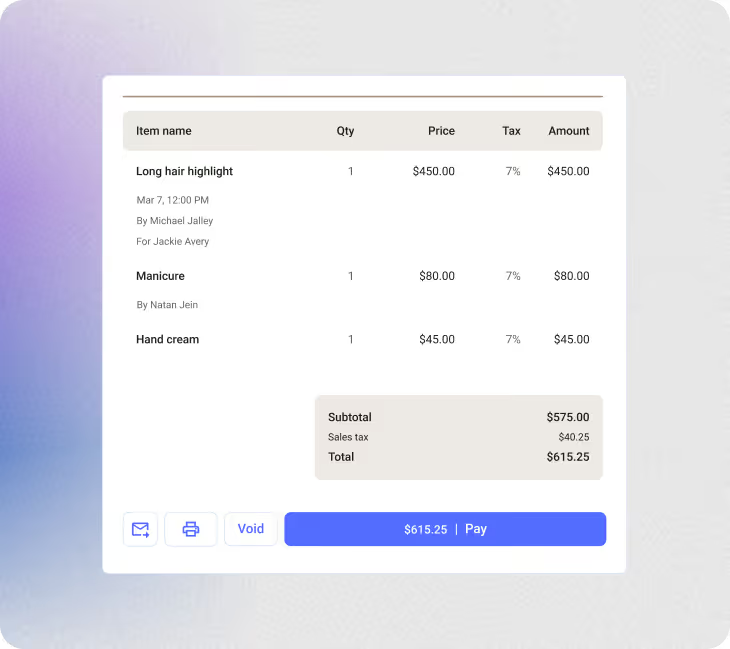
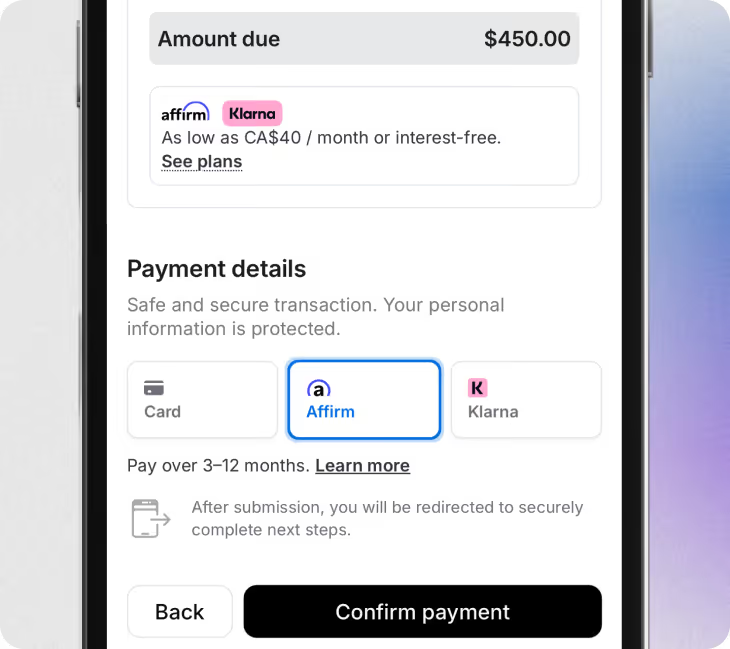
Card, cash, Buy Now Pay Later, gift cards, deposits, and card on file. Tips are automatically allocated to the right staff member at checkout.
Filter invoices by paid, unpaid, or overdue from your dashboard. Send a payment reminder with one click.
client retention

Offer gift cards, packages, and memberships directly through Yocale. Clients pay upfront and keep coming back.

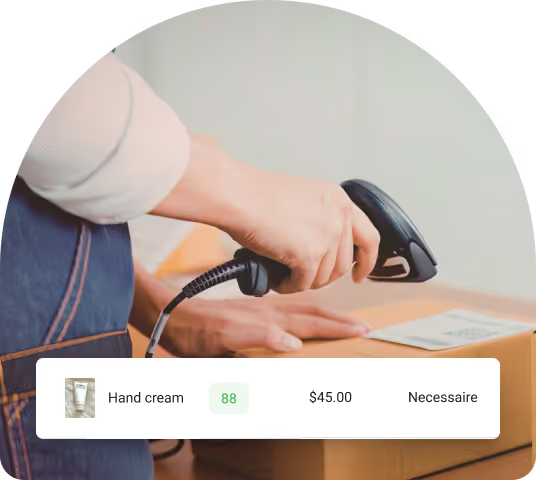
Add retail to any invoice as a service add-on or standalone sale. Scan products directly onto invoices and stock levels update automatically.

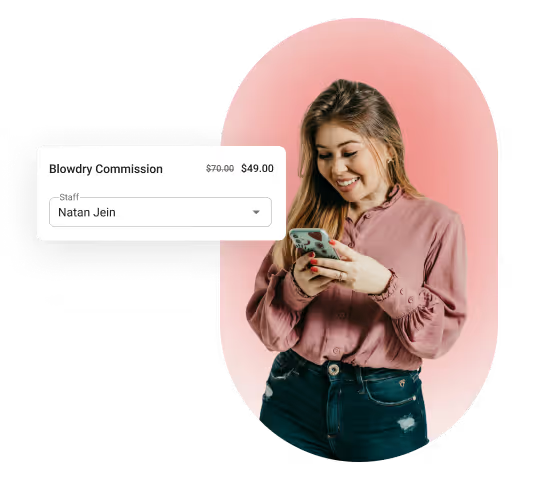
Assign every product sale to the right staff member. Commissions stay accurate even after an invoice is paid.

Require a deposit or card on file at booking. Collect cancellation fees without the awkward conversation.

Yes. Open a standalone invoice from any client profile with no booking required. Perfect for product sales, gift cards, or anything outside a scheduled visit.
Card, cash, Buy Now Pay Later, gift card, or a card saved on file. You can also require a deposit at booking or send a Pay Now link by email or text.
Yes. Add retail as a standalone sale or as an add-on to any service. Inventory updates automatically with every transaction.
Yocale sends a reminder to the client when an invoice is unpaid or overdue. You can also trigger one manually from your dashboard at any time.
Deposits collected at booking apply automatically to the invoice at checkout. For no-shows, keep the deposit or charge a partial cancellation fee.
Yes. Sell and invoice gift cards, packages, and memberships directly through Yocale. Everything tracked in one place.
Add products manually or by scanning a barcode. Stock updates with every sale and you can set low-inventory reminders so you never run out.